VLC Media Player is a universal player that can playback just about any kind of video, including YouTube videos (flv video) thrown at it.
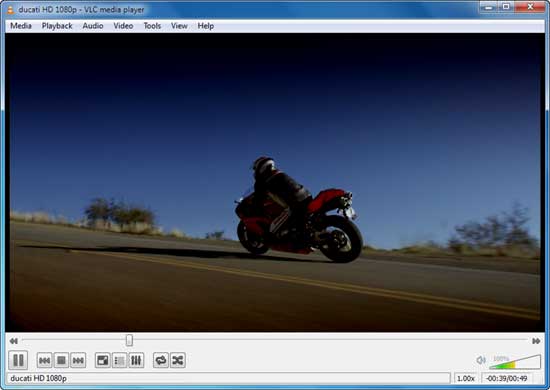


The latest release of VLC (1.1) can play YouTube videos directly from a YouTube video URL, no need to download the video to your computer. Here is how to play You Tube video directly from VLC.
Download and install the latest release of VLC Media player. Run the player and from the file menu select “Open Network Stream” [see screen shots below].
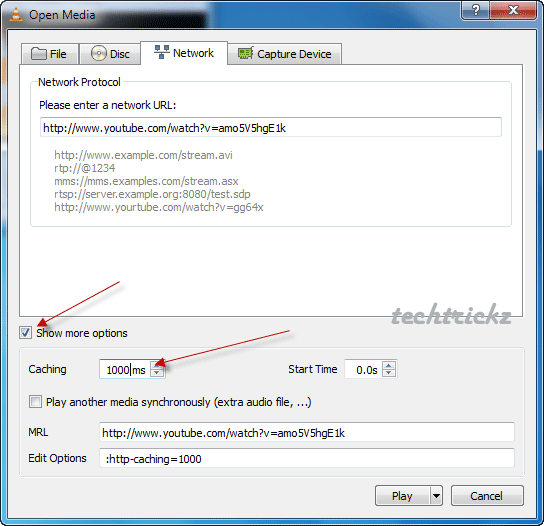
Paste the main YouTube URL (shown on your browser’s address bar) in to the ‘Please Enter a Network URL’ box [see screen shots below] and click play button.
By clicking the ‘Show more option’ [see screen shots below] you can increase the cache size of thestream, if the video freezes every few seconds.
The main advantage of this is that you can use VLC’s video & audio control (sharpness, brightness, color, contrast, etc) for the YouTube video. [via]

0 comments:
Post a Comment